
Top-up
Please note that this feature is only available where it has been authorised by the Tenant. The management and application of credits are governed by the agreement between the Tenant and the Customer.
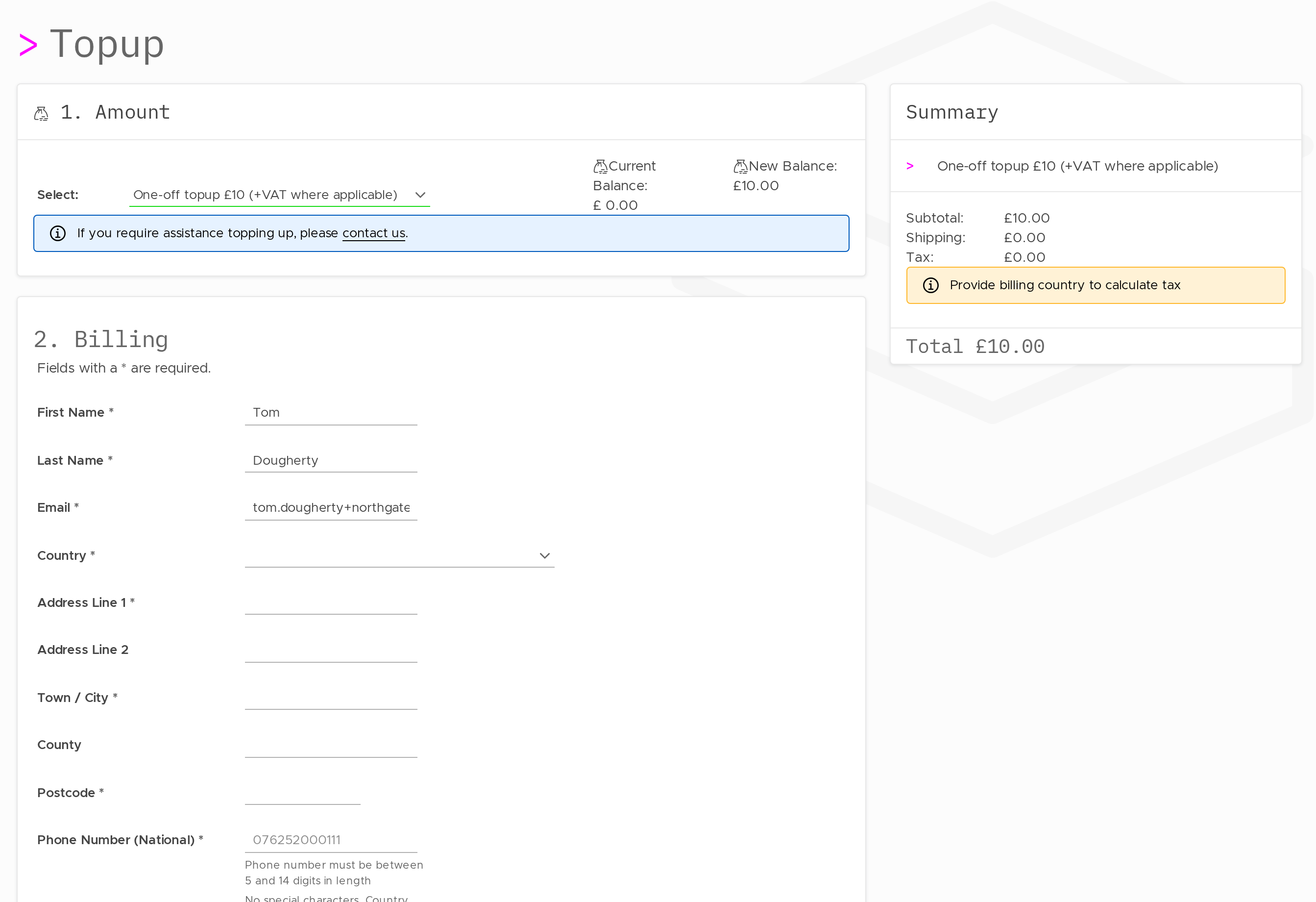
To add credit to your account:
- Click Top-Up next to your balance.
- Complete the top-up flow.
Credit appears on your account upon successful payment. If your balance reaches zero, your endpoints may stop being able to create new data sessions. Top up before the balance reaches zero to avoid service interruption.
If your tenant has enabled auto top-up for your account, this can be configured to top up automatically when the balance drops below a threshold.
Warning Threshold
To set a low-balance warning:
- Click Set next to the Warning amount.
- Enter the threshold amount.
- Save.
When your balance drops to or below this amount, a warning notification is triggered. This gives you time to top up before service is affected.
Updated 13 days ago