
Event Viewer
Event Viewer is a real-time, searchable log of every event generated by your endpoints and the network.
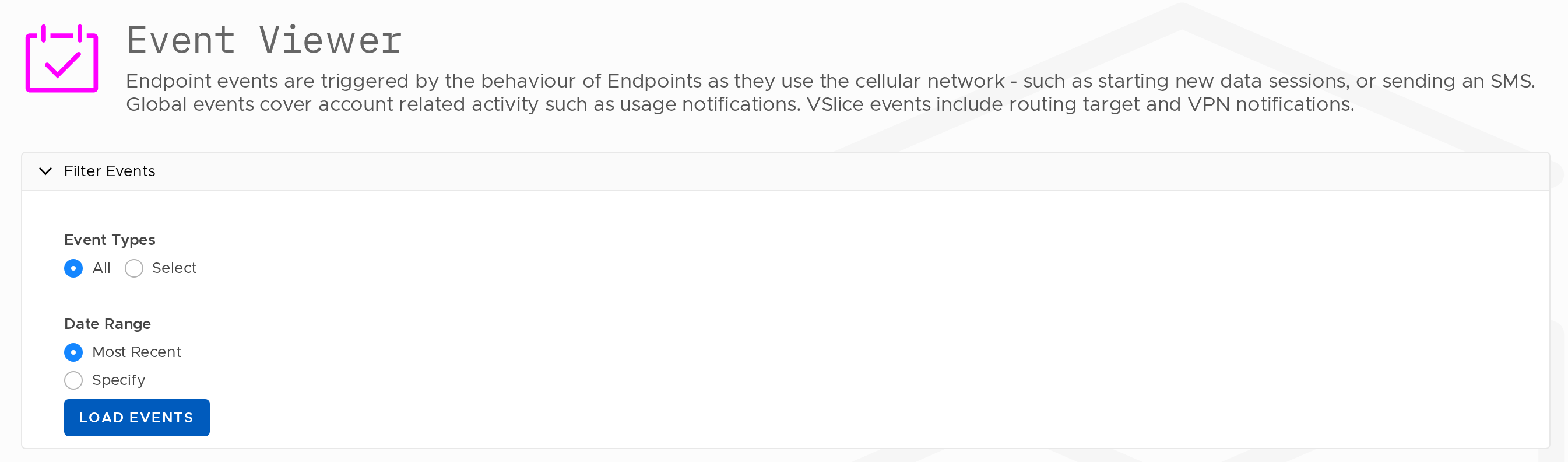
The Event Viewer displays a log of events triggered by Endpoint activity on the cellular network. Events are generated by actions such as starting a data session or sending an SMS. Global events cover account-related activity such as usage notifications. VSlice events include routing target and VPN notifications.
Filtering Events
Events can be filtered before loading using the following options:
- Event Types -- show all event types, or select specific types
- Date Range -- load the most recent events, or specify a date range
Select your filters and click Load Events to populate the list.
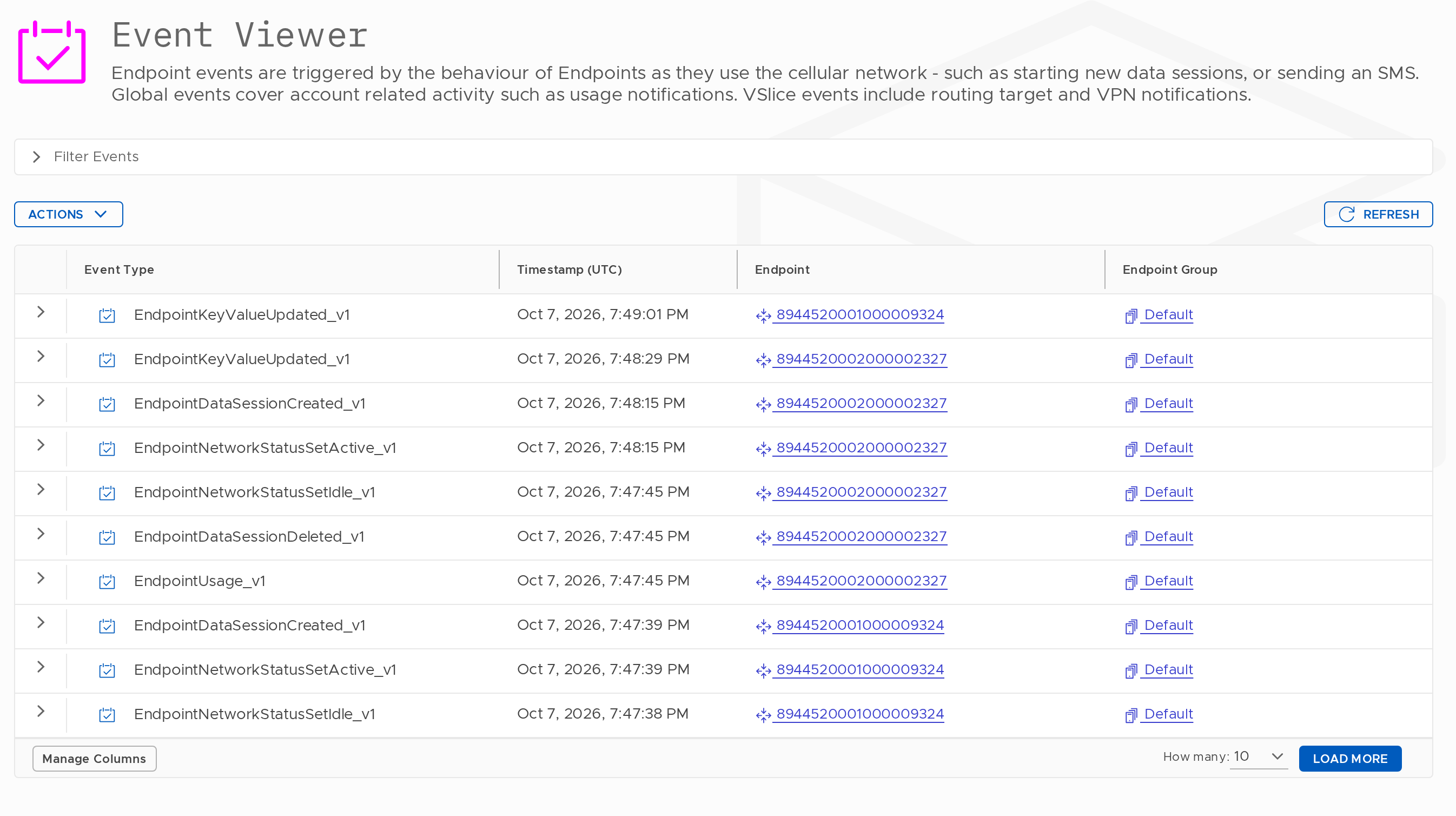
Event List
The event list displays the following columns:
| Column | Description |
|---|---|
| Event Type | The type of event that was triggered |
| Timestamp (UTC) | The date and time the event occurred |
| Endpoint | The Endpoint that triggered the event |
| Endpoint Group | The Endpoint Group the Endpoint belongs to |
| VSlice | The VSlice associated with the Endpoint Group |
| Routing Target | The Routing Target in use at the time of the event |
| Action | Signalling : View the signalling traces associated with the event |
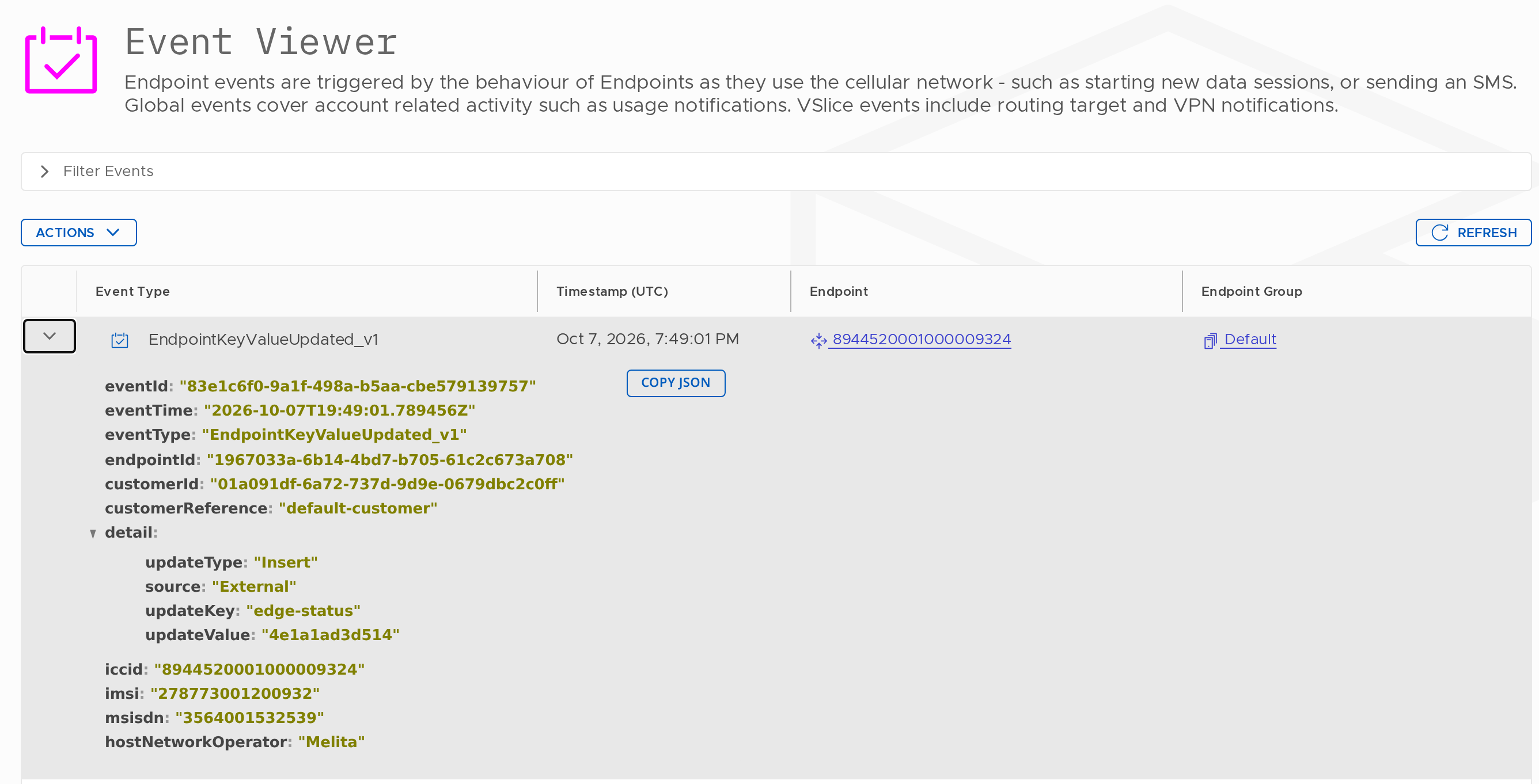
Each row can be expanded to view the full event payload in JSON format. A Copy JSON button is available to copy the raw payload to the clipboard.
Updated 13 days ago