
Credentials
Credentials are used for authentication with Stacuity and external services.
Overview
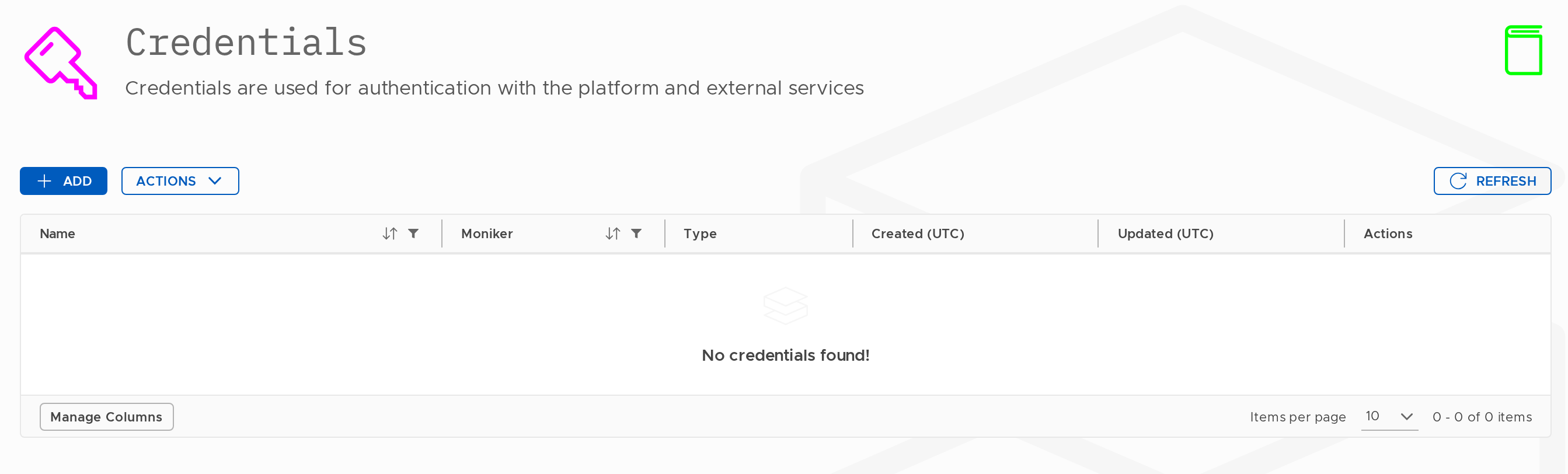
The Credentials section stores authentication credentials used by other parts of the platform, such as SMPP credentials referenced by Event Handlers.
Navigate to Access Control → Credentials.
The list shows each credential's Name, Moniker, Type, Created (UTC), and Updated (UTC).
Creating a Credential
- Click Add.
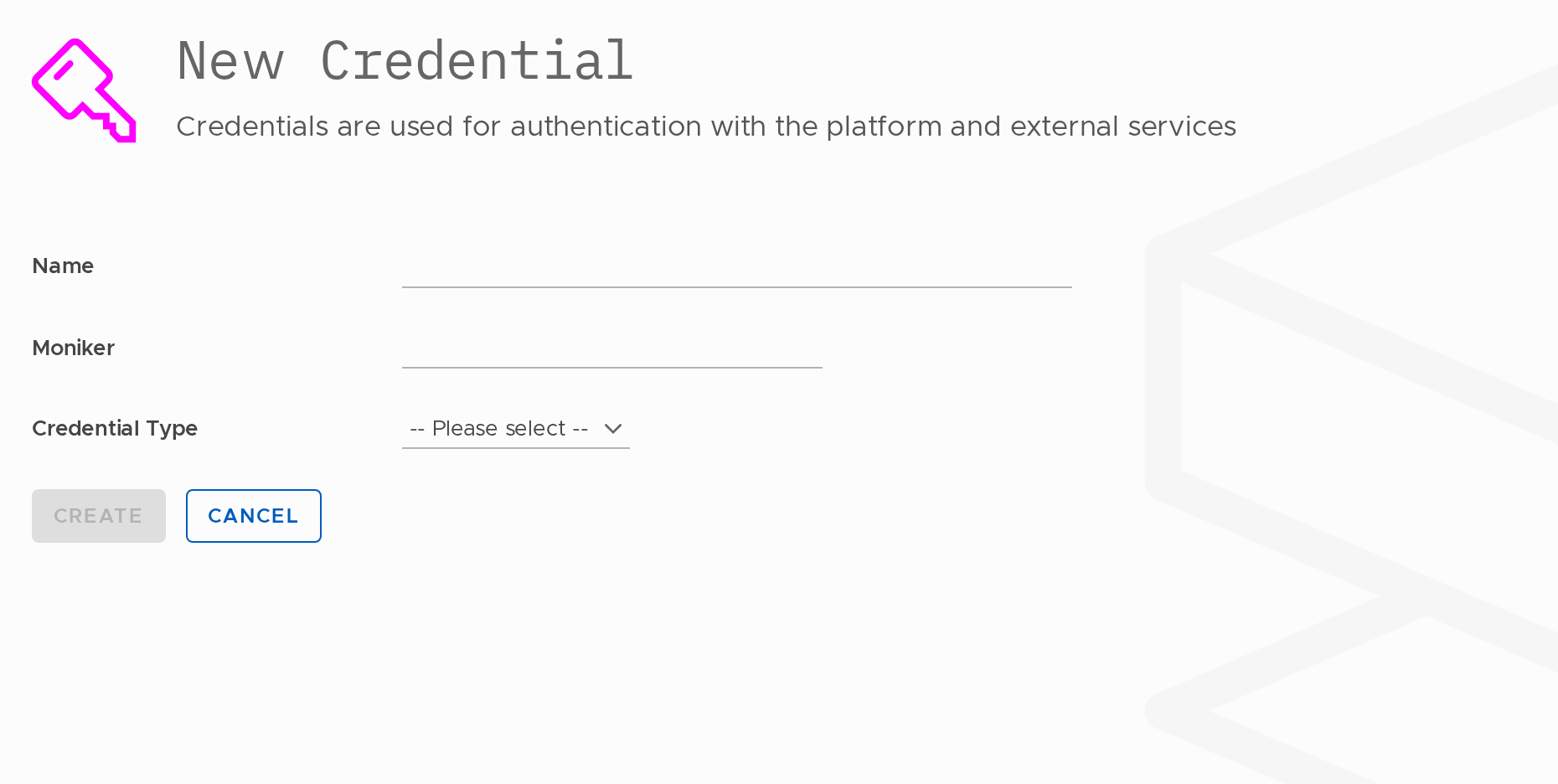
- Fill in the fields and click Create.
| Field | Required | Notes |
|---|---|---|
| Name | Yes | 2–100 characters. |
| Moniker | Yes | Used in the API. |
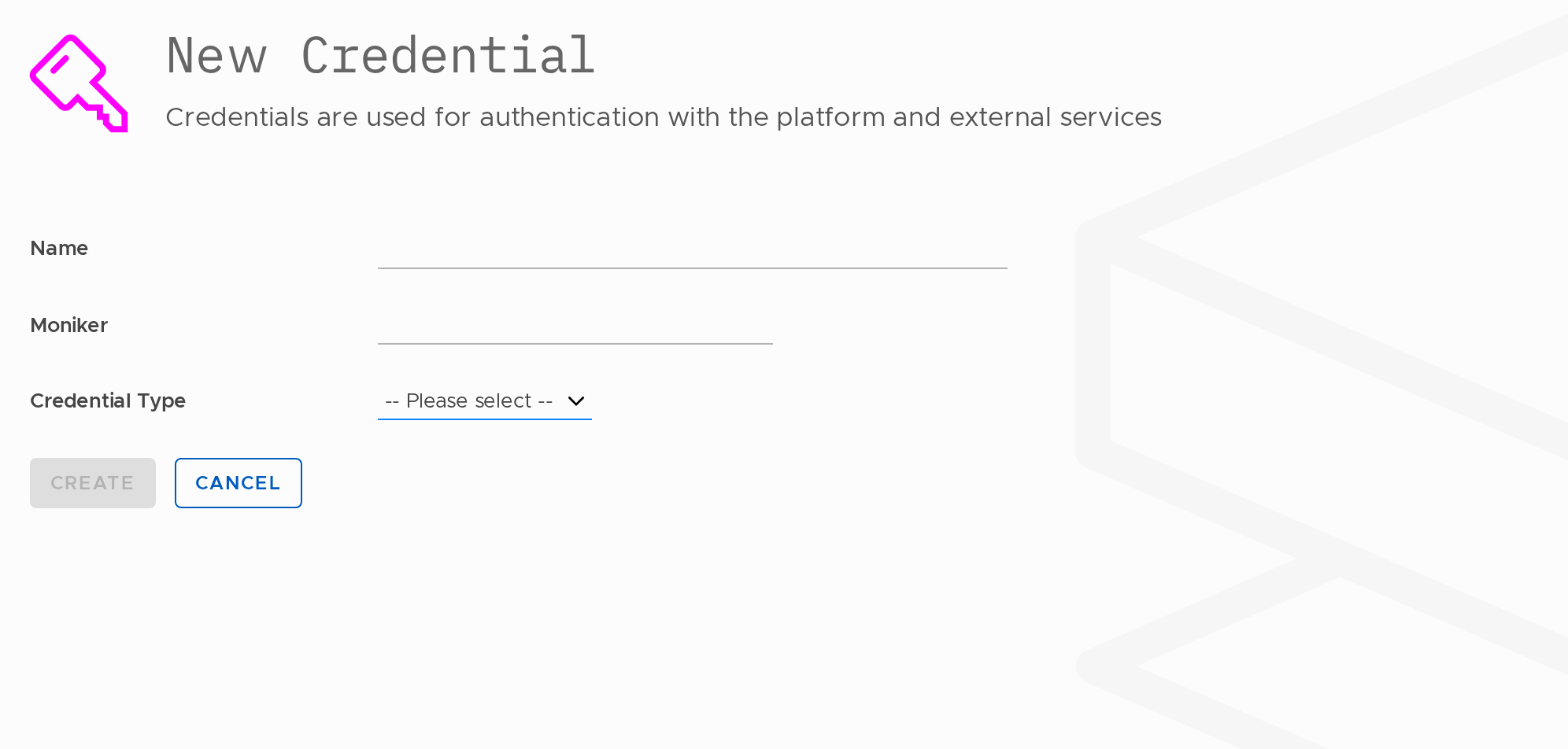
| Credential Type | Yes | Select the type of credential from the dropdown. |
Available credential types include SMPP and others depending on your account configuration. Select the type that matches the service you are authenticating with.
OpenMetrics Credential
The Stacuity OpenMetrics endpoint exposes tenant and customer scoped metrics covering data transfer volumes, packet counts, VPN tunnel traffic and errors, session statistics, GTPv1/GTPv2 signalling, Diameter charging activity, and RADIUS authentication events. These metrics can be scraped by Prometheus-compatible monitoring platforms for observability, alerting, and analytics.
To access the Stacuity OpenMetrics endpoint, you must first create an OpenMetrics credential in either the Tenant or Customer portal. The generated credentials serve two purposes:
- Authentication via HTTP Basic Authentication.
- Metric Scoping. Determining whether the endpoint returns tenant-wide or customer-specific metrics.
Once created, the generated Username and Password are used in your Prometheus basic_auth configuration to scrape metrics from the Stacuity OpenMetrics endpoint.
| Field | Description | |
|---|---|---|
| Credential Type | Type of integration being configured. Select OpenMetrics for Prometheus-compatible metric access. | Required |
| ACL Mode | Controls how access restrictions are applied. Use Allow to permit access from specified IP ranges. | Required |
| Allow IPs | Optional list of IP addresses or CIDR ranges permitted to use the credential. Leave blank to allow access from any IP. | Optional |
| Username | Generated automatically when the credential is created. Used for HTTP Basic Authentication. | Generated by Stacuity |
| Password | Generated automatically and shown once only. Used for HTTP Basic Authentication. | Generated by Stacuity |
Note that the password is displayed only once.
Regenerating the credential immediately invalidates the previous username and password.
Updated 13 days ago