
Summary
You can top up your account, set a warning limit and view your account transaction history.
Navigate to Account.
Account Overview
The Account screen shows your current financial position at a glance:
| Field | Description |
|---|---|
| Balance | Your current account balance in your account currency. |
| Limit | Your credit limit (if applicable). |
| Available Balance | The balance currently available for use. |
| Warning | A threshold you can set. When your balance drops to or below this amount, a warning is triggered. Click Set to configure the warning threshold. |
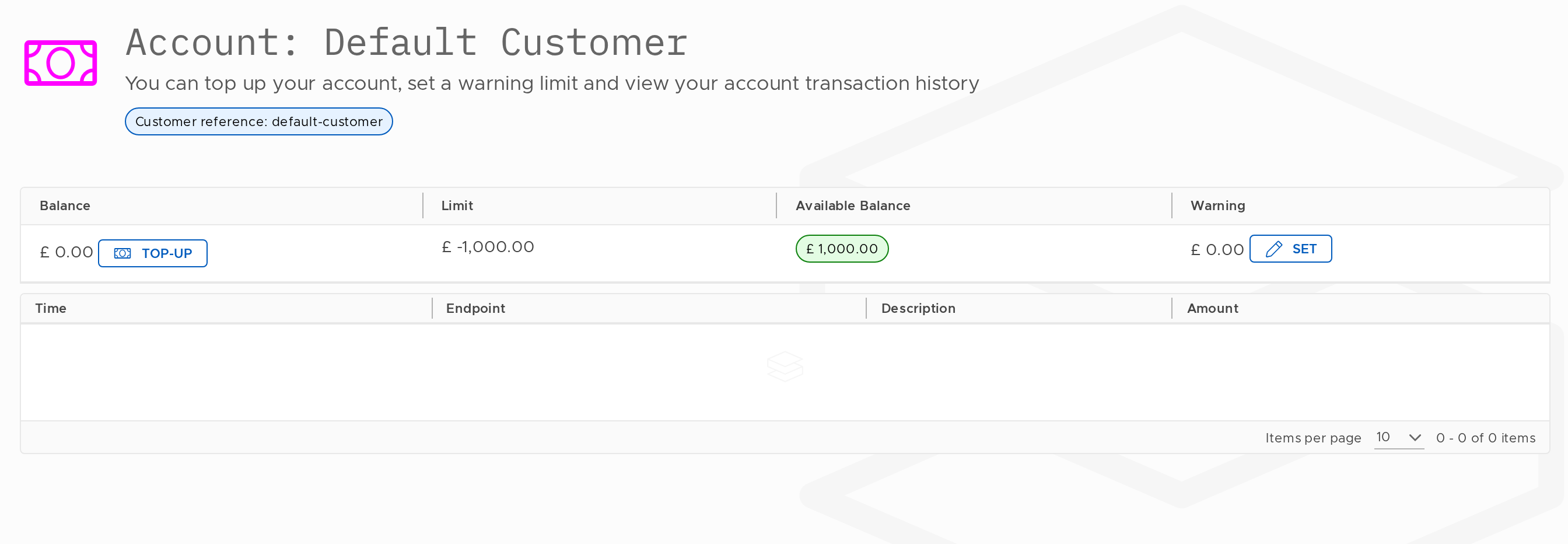
The Top-Up button appears inline next to your balance. Click it to add credit to your account.
Please note that this feature is only available where it has been authorised by the Tenant. The management and application of credits are governed by the agreement between the Tenant and the Customer.
Updated 13 days ago
What’s Next
Did this page help you?