
Dashboard
This is the first screen you see when you log in to the Stacuity Customer Portal.
The dashboard is the first screen you see when you log in to Stacuity. It provides an overview of your account and allows you to quickly access important features and information.
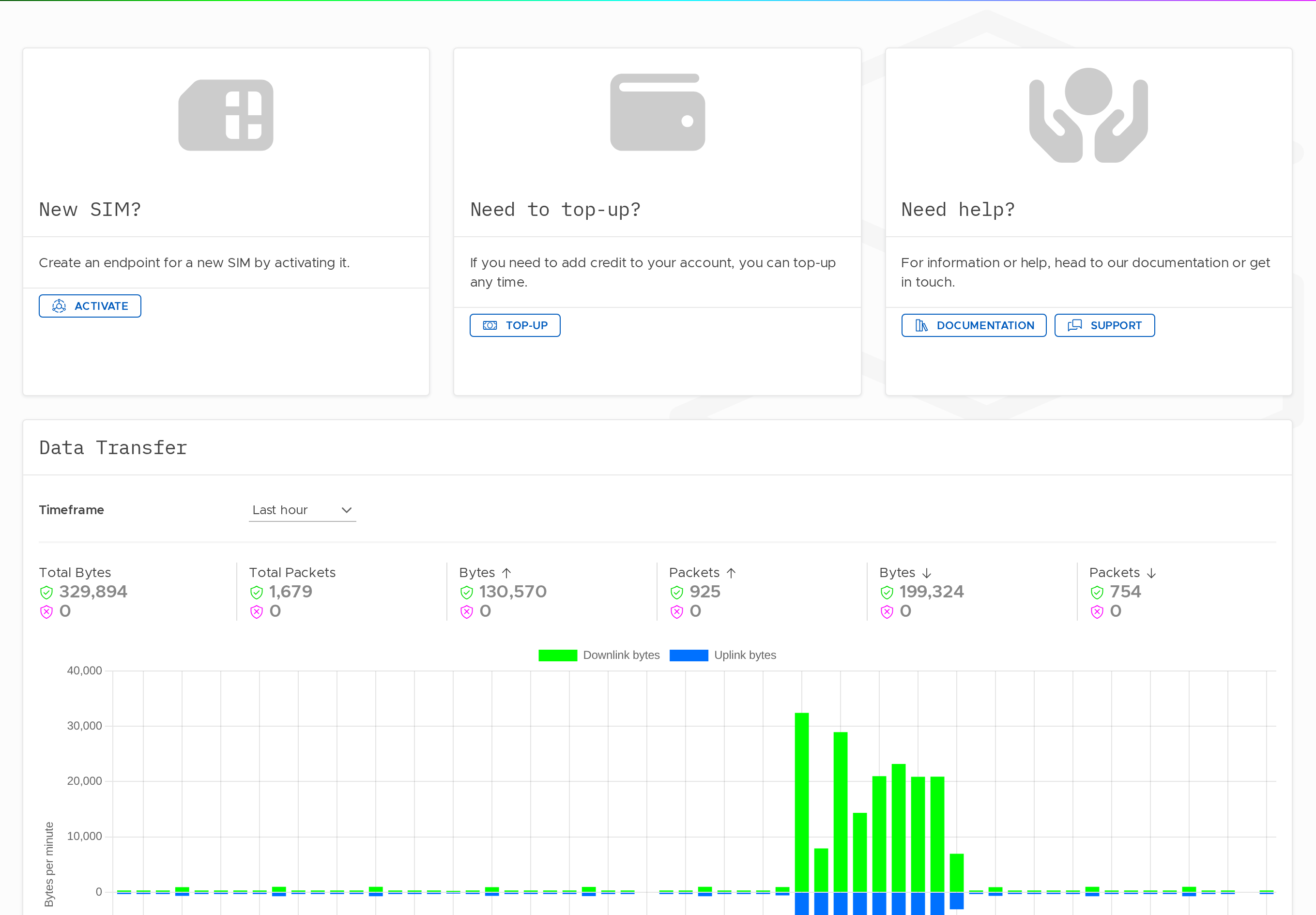
From the dashboard, you can:
- Activate new SIM cards.
- Top-up your SIM cards.
- Read our Documentation for detailed guides and information about our platform.
- Get Support from our team if you have any questions or issues.
- View your data transfer usage and remaining balance for each SIM card.
SIM Activation Shortcut
The New SIM button on the Dashboard is a shortcut to the SIM activation flow. It takes you directly to Inventory → Activate SIMs, where you can register a physical SIM card using its ICCID and Activation Code, or scan a QR code.
In most deployments, SIMs arrive pre-allocated by your tenant and appear in Inventory automatically — you won't need this shortcut regularly. It is most useful when you receive a small number of physical SIM cards to self-register.
Account Top-Up
Please note that the Tenant retains overall control of the customer account. The application and management of credits are governed by the agreement between the Tenant and the Customer
The Top-Up shortcut shows your current account credit balance and links to the top-up flow. Please note that this feature is only available where it has been authorised by the Tenant.
Your balance is drawn down as your endpoints consume data and services, at the rates defined in your tariff.
Help & Documentation Access
The Need Help? link in the Dashboard header opens the Stacuity documentation portal . This is the same documentation you are reading now.
If you cannot find what you need in the documentation, contact your tenant administrator in the first instance. For platform-level issues, your tenant will escalate to Stacuity support on your behalf.
Data Transfer Summary
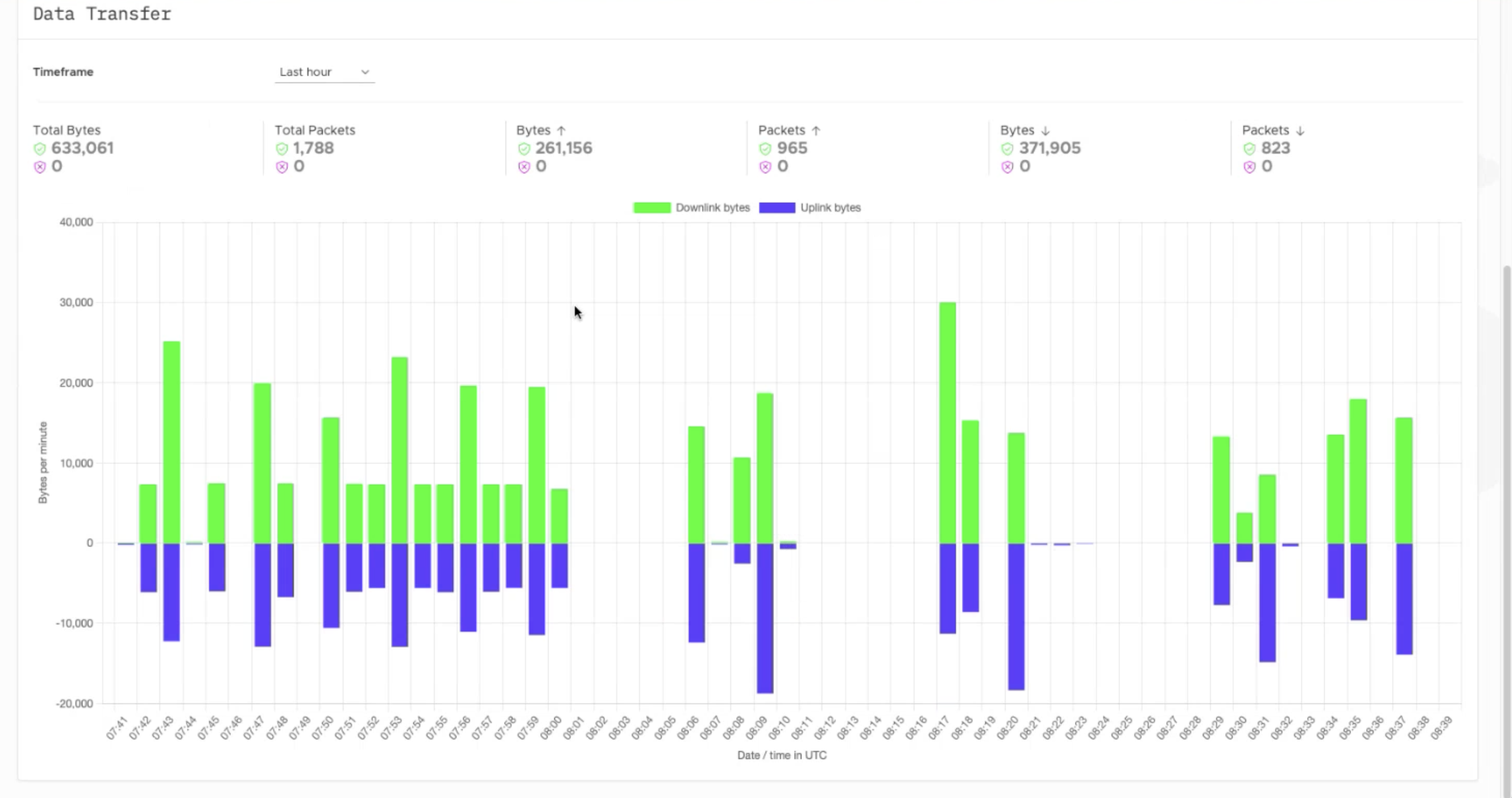
The dashboard displays a data transfer summary for your account, broken down by configurable timeframes. Use this for a quick check of overall consumption before a billing cycle closes.
Updated about 1 month ago