
User Management and API Tokens
Access Control Overview
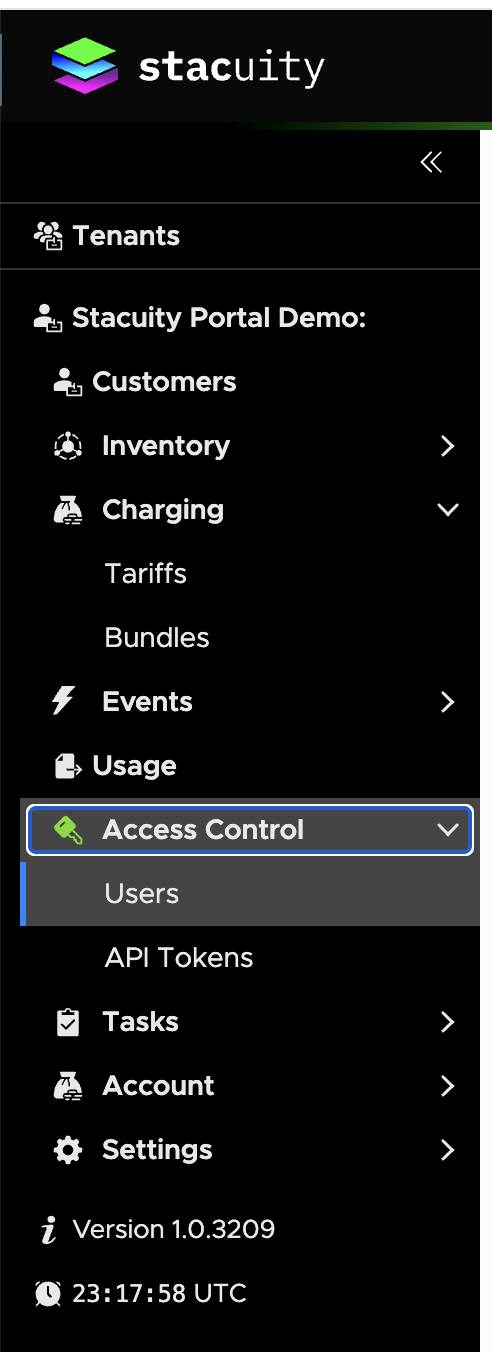
The tenant portal provides access control through two main components located under the Access Control section:
- Users: Manage user accounts who can login and use the portal via a web browser
- API Tokens: Manage authentication tokens for client applications to access the API
User Management
Users Overview
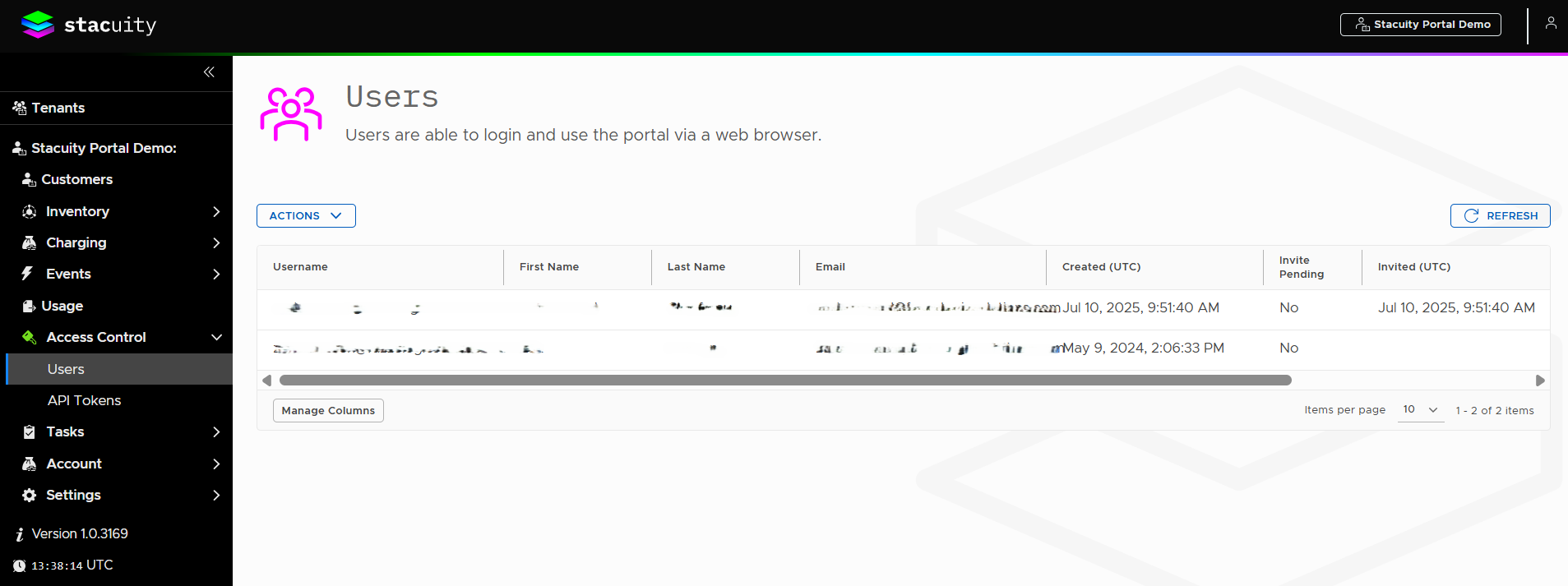
Users are able to login and use the portal via a web browser.
Viewing Users
Navigate to Access Control → Users to access the user management interface.
User List Display: The users table displays the following columns:
- Username: Login identifier (e.g., [email protected])
- First Name: User's first name
- Last Name: User's last name
- Email: User's email address
- Created (UTC): Creation timestamp (e.g., 10 Jul 2025, 09:51:40)
- Invite Pending: Shows "Yes" or "No" status
- Invited (UTC): Invitation timestamp (e.g., 10 Jul 2025, 09:51:40)
User Management Controls
Available Actions:
- ACTIONS dropdown menu for user management functions
- REFRESH button to update the user list
- Manage Columns button to customize table display
Inviting Users
To invite a new user:
- Access the invitation interface (likely through the ACTIONS menu)
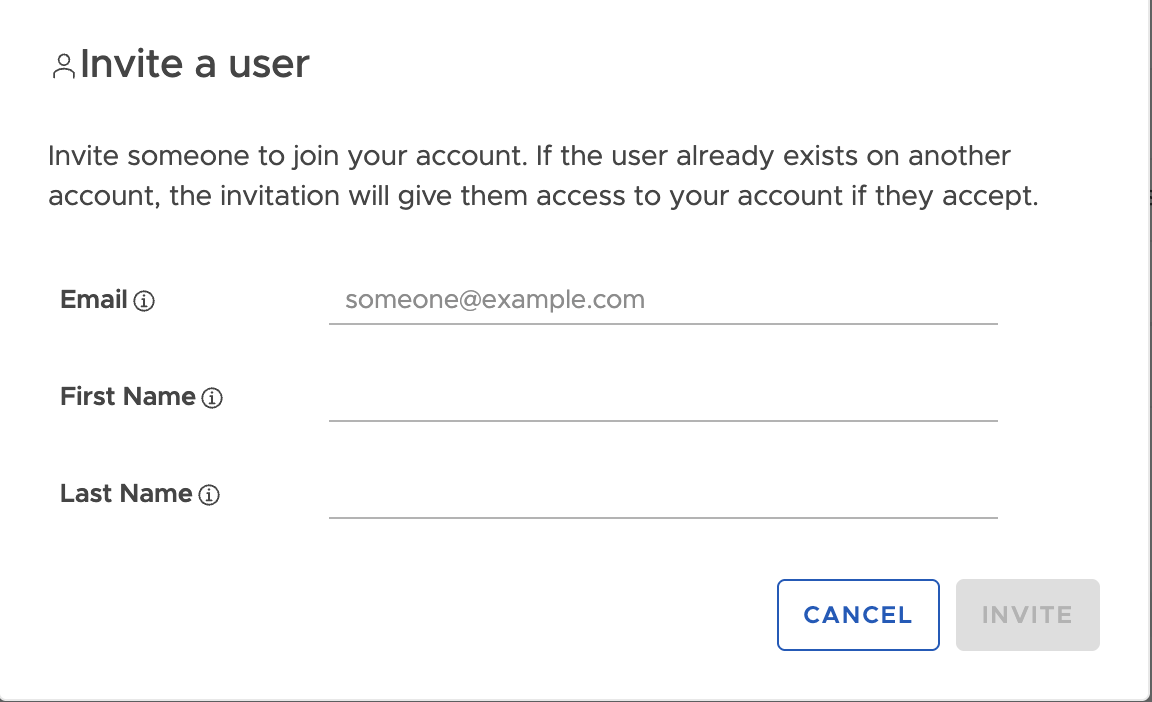
- Complete the Invite a user form with:
- Email: Enter email address (shows placeholder "[email protected]")
- First Name: Enter user's first name
- Last Name: Enter user's last name
- Click INVITE to send the invitation
- Use CANCEL to abort the process
Invitation Details: The system explains: "Invite someone to join your account. If the user already exists on another account, the invitation will give them access to your account if they accept."
Updated about 1 year ago
What’s Next
API Tokens
Did this page help you?