
User Management and API Tokens
Access Control Overview
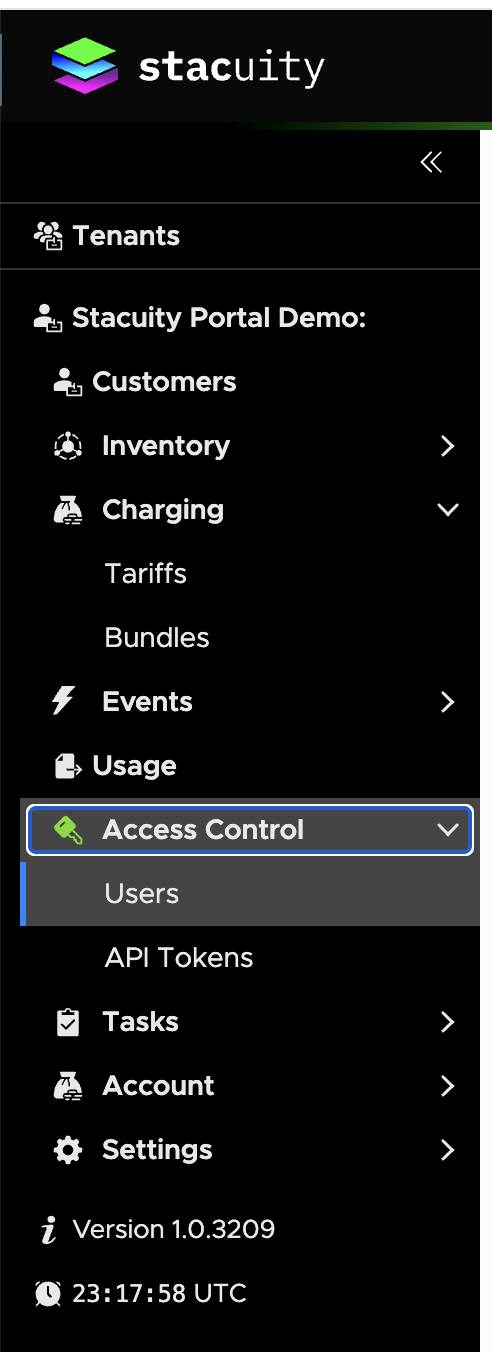
The tenant portal provides access control through two main components located under the Access Control section:
- Users: Manage user accounts who can login and use the portal via a web browser
- API Tokens: Manage authentication tokens for client applications to access the API
User Management
Users Overview
Users are able to login and use the portal via a web browser.
Viewing Users
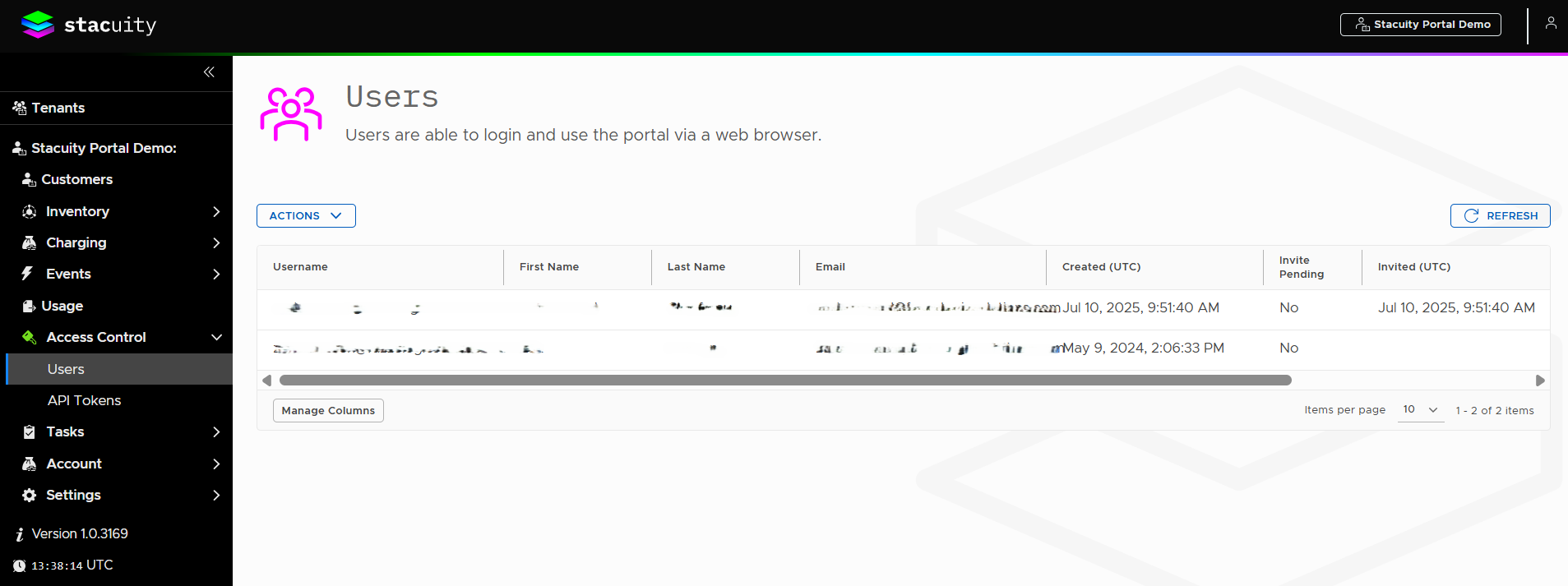
Navigate to Access Control → Users to access the user management interface.
User List Display: The users table displays the following columns:
- Username: Login identifier (e.g., [email protected])
- First Name: User's first name
- Last Name: User's last name
- Email: User's email address
- Created (UTC): Creation timestamp (e.g., 10 Jul 2025, 09:51:40)
- Invite Pending: Shows "Yes" or "No" status
- Invited (UTC): Invitation timestamp (e.g., 10 Jul 2025, 09:51:40)
User Management Controls
Available Actions:
- ACTIONS dropdown menu for user management functions
- REFRESH button to update the user list
- Manage Columns button to customize table display
Inviting Users
To invite a new user:
- Access the invitation interface (likely through the ACTIONS menu)
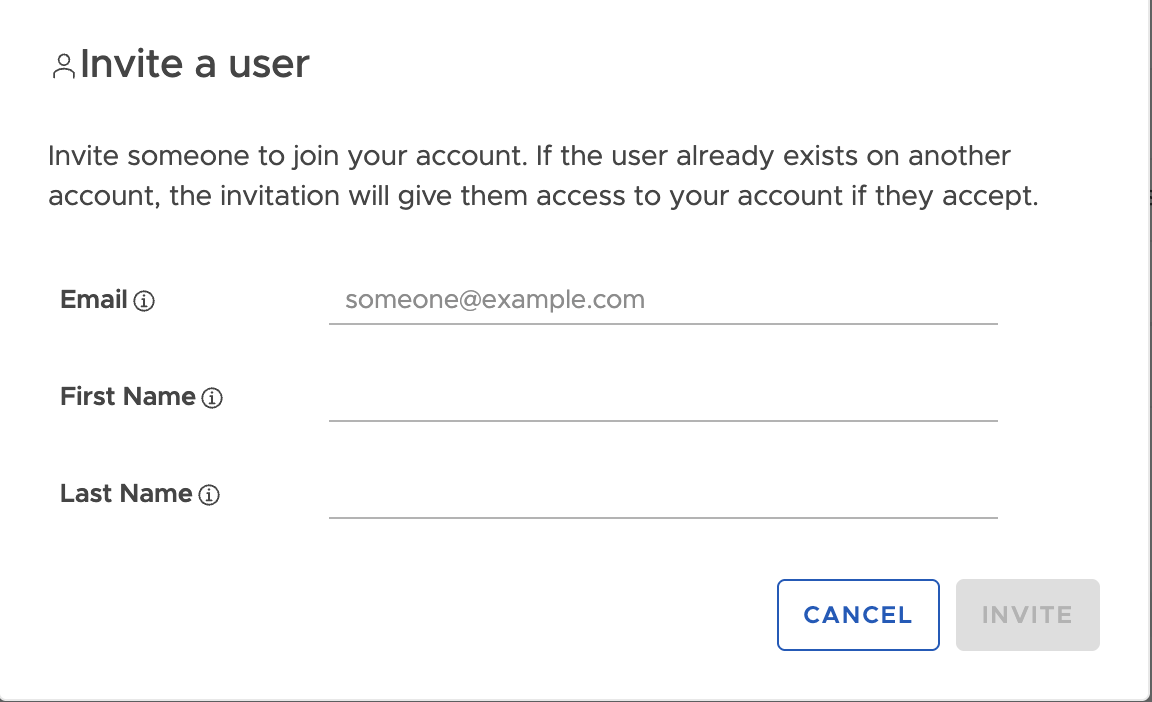
- Complete the Invite a user form with:
- Email: Enter email address (shows placeholder "[email protected]")
- First Name: Enter user's first name
- Last Name: Enter user's last name
- Click INVITE to send the invitation
- Use CANCEL to abort the process
Invitation Details: The system explains: "Invite someone to join your account. If the user already exists on another account, the invitation will give them access to your account if they accept."
Updated 10 months ago
What’s Next
API Tokens