
Tariff Management Tools
Preview and Export
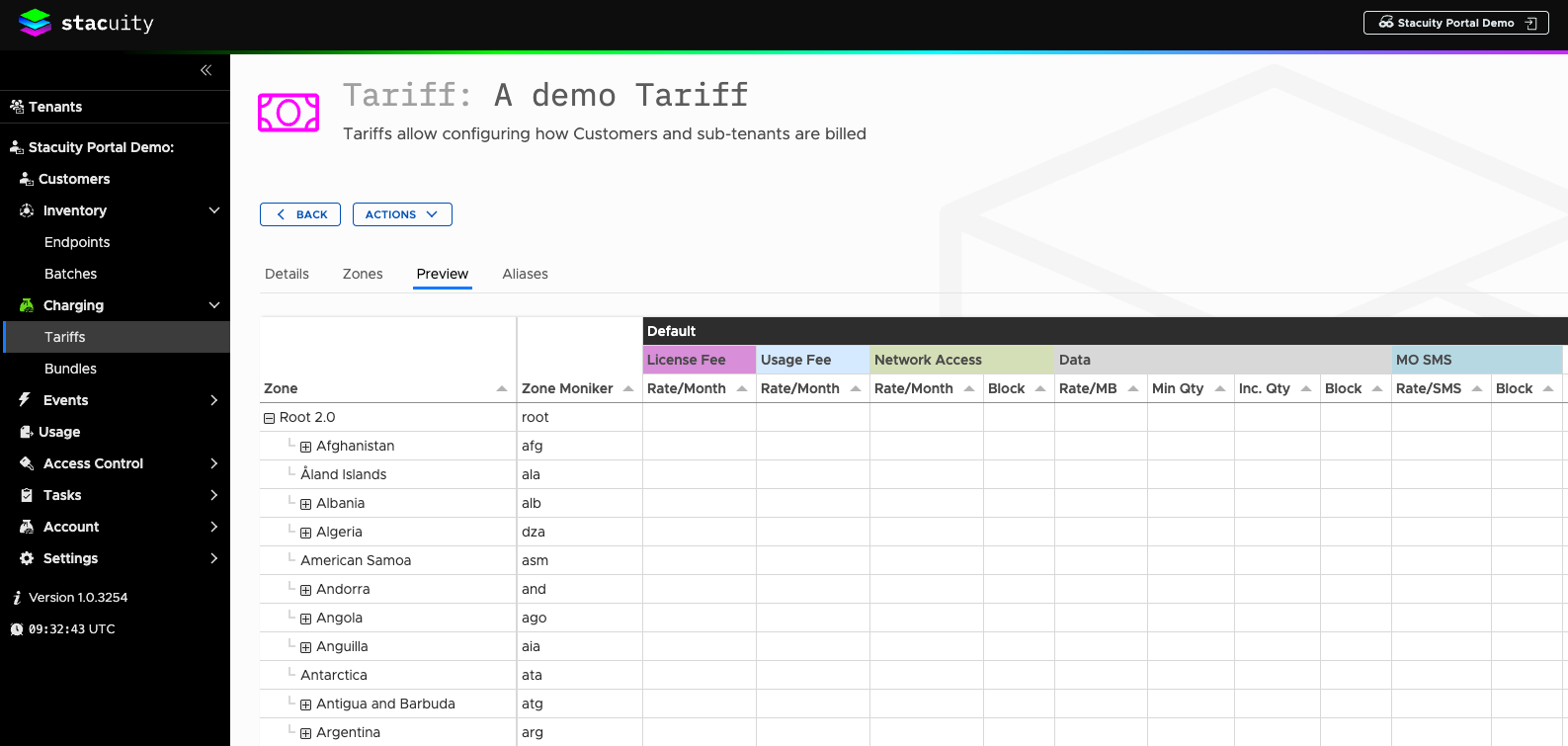
Preview Function:
-
View tariff in Excel-style format showing countries, networks, zones, and all profile rates
-
Easier to review than the zone interface
Export/Import:
-
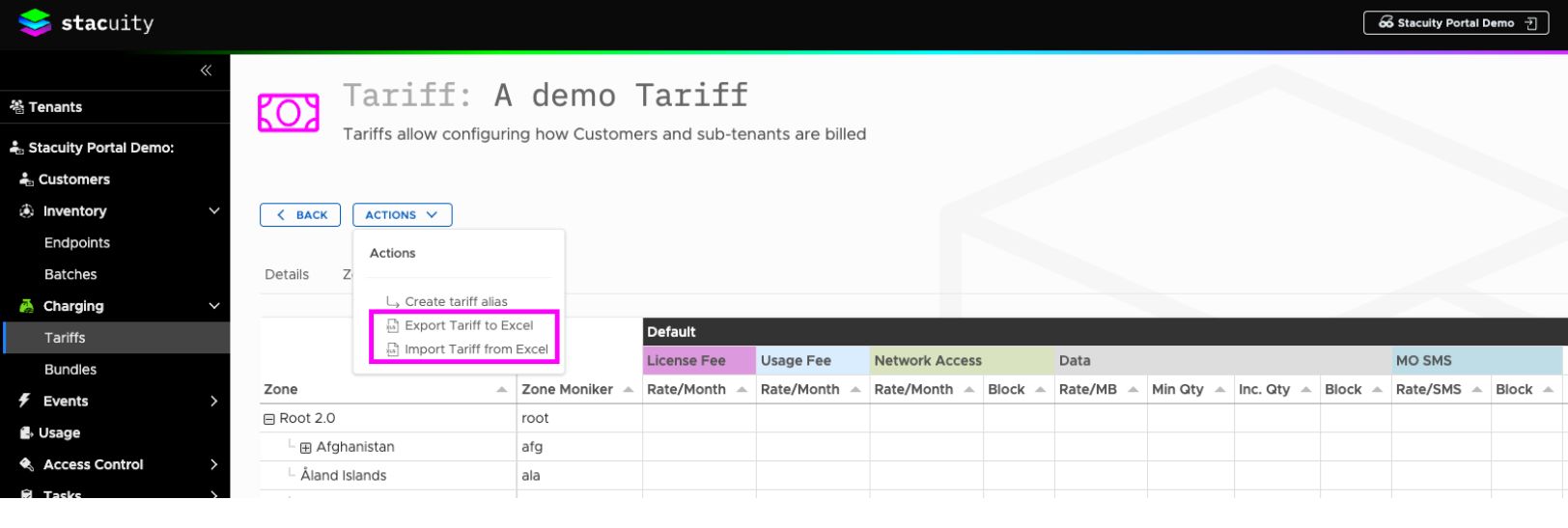
Export tariff to Excel for bulk editing
-
Make calculations and percentage markups in spreadsheet
-
Import updated tariff back to system
-
Only available for master tariffs (not aliases)
Applying Tariffs to Customers
-
Navigate to Customers
-
Select target customer
-
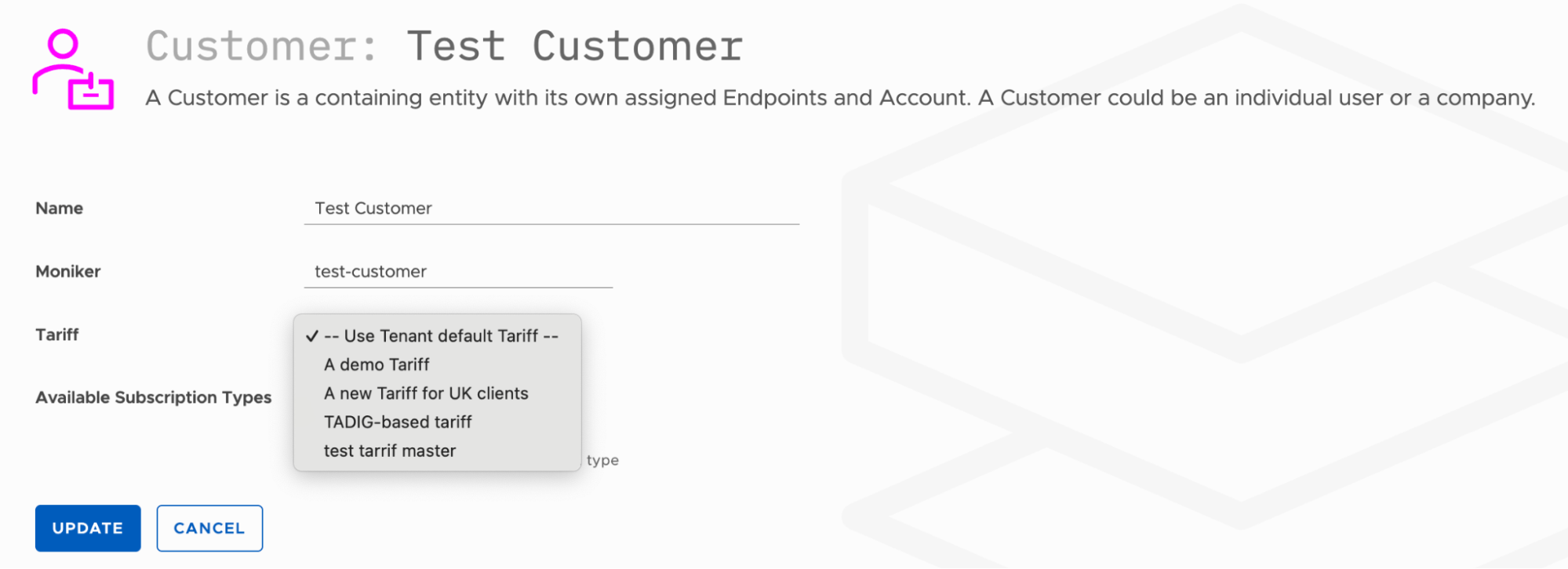
Click Edit
-
In the Tariff field, select from available tariffs created on your tenant level
-
Save changes
Important Notes:
Each customer can only have one tariff assigned
Currency of tariff must match customer's currency
Customer will be charged according to tariff rates when not consuming from bundles
Updated 10 months ago
What’s Next
Tariff vs Bundle Relationship